
Your scope. Every line backed by a photo. No guesses.
You take the photos. Mensuria writes your Xactimate scope. If a line isn't backed by one of your photos, it won't put it in — it stops and asks you first. You have the final say on every line.
One real claim. No card. Built for licensed adjusters and the firms they work with.
| Code | Description | Qty | Source |
|---|---|---|---|
| RFG/300 | 30 yr architectural shingle roofing | 31.4 SQ | Sourced |
| RFG/RIDGCS | Ridge cap shingles (laminated) | 48 LF | Sourced |
| WTR/EXT | Water extraction from floor | 171 SF | Sourced |
| FNC/— | Closet shelving — replace | — | Held — no photo |
| PNT/SP | Seal then paint walls (2 coats) | 546 SF | Sourced |
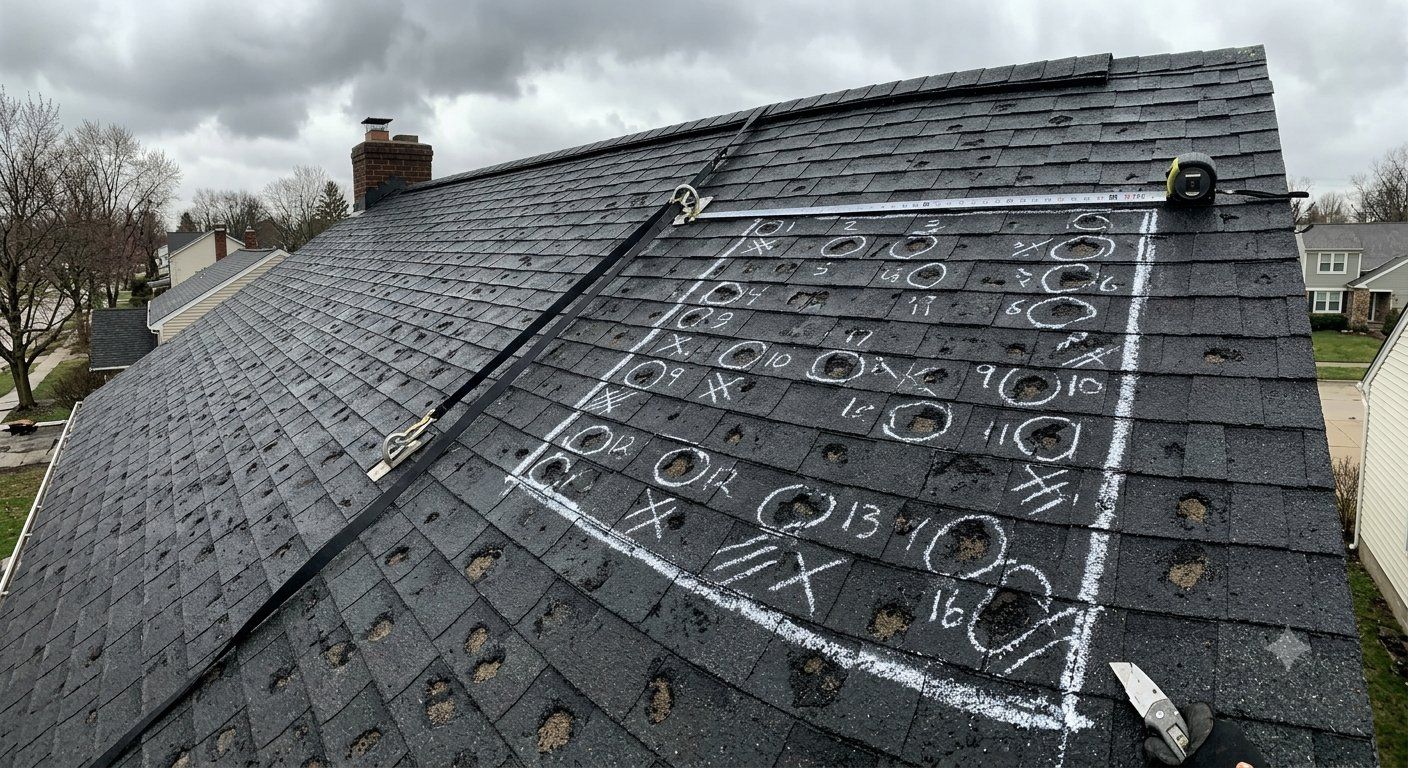 your photo
Your photos become the scope.
The stack of photos you already shoot on every loss — that's the whole input. Mensuria turns them into line items.
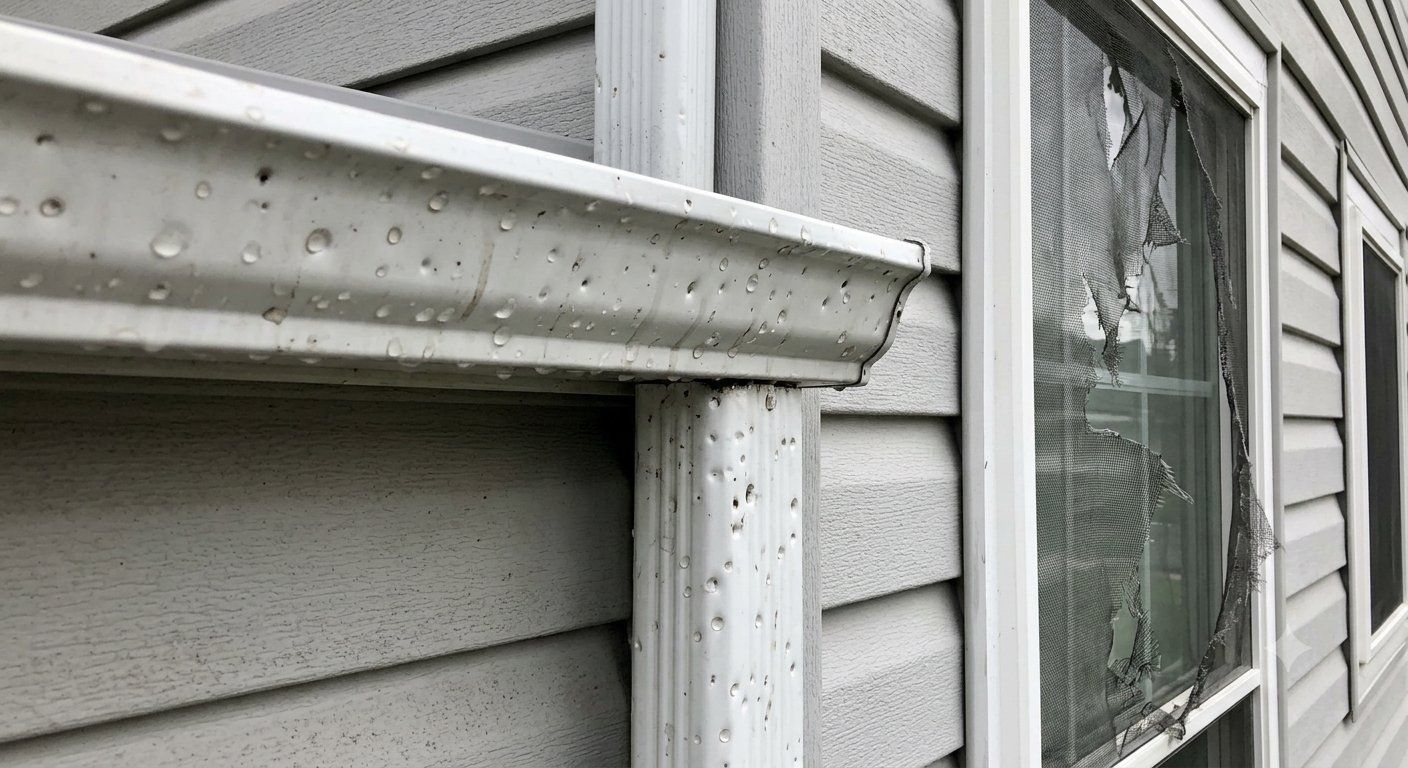
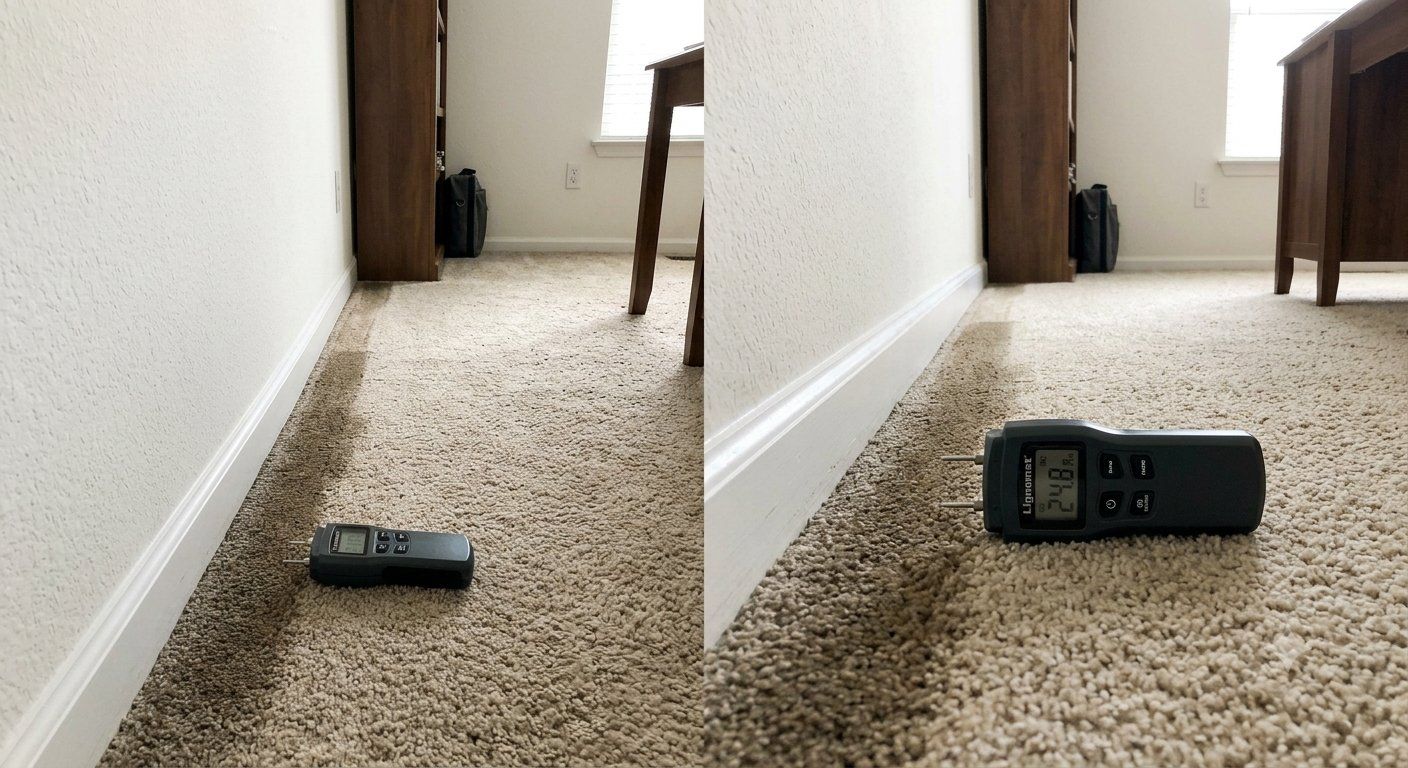
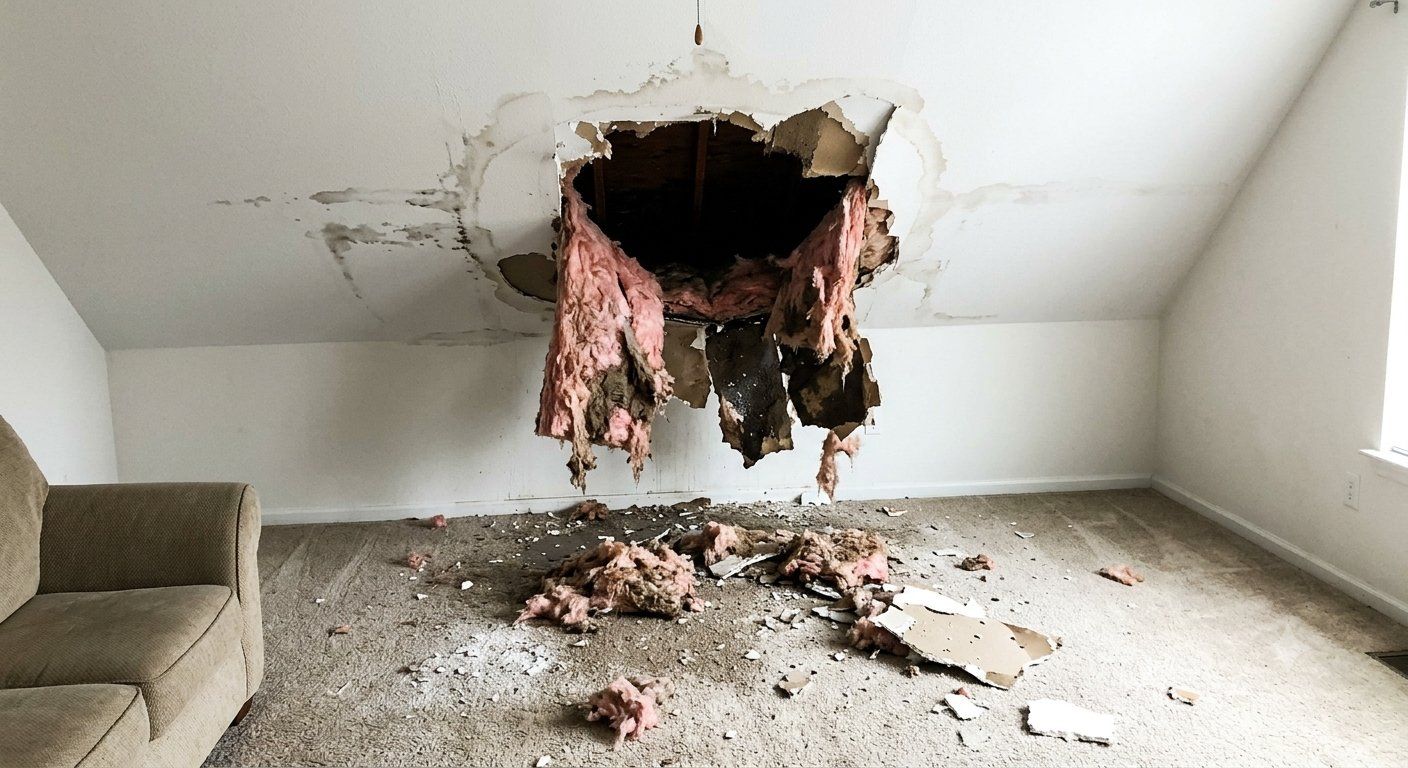
| Code | Description | Qty | Source |
|---|---|---|---|
| RFG/300 | 30 yr architectural shingle roofing | 31.4 SQ | Sourced |
| RFG/RIDGCS | Ridge cap shingles (laminated) | 48 LF | Sourced |
| WTR/EXT | Water extraction from floor | 171 SF | Sourced |
| FNC/— | Closet shelving — replace | — | Held — no photo |
You know this feeling.
It's 9 p.m. and you're still up. The kids are in bed. The coffee's cold. And you're staring at a folder full of photos, typing a scope one line at a time.
Then you send it in… and it comes back. “Redo this.” “Where's the proof for this line?” So you dig for the photo, fix it, and send it again. And you hope it holds up this time.
- Typing scopes line by line till midnight
- Doing the math on every room, hoping you didn't miss one
- Scopes kicked back: “Where's the proof for this line?”
- Digging through a hundred photos to find the one that backs a line
- Your name on a scope you're not 100% sure of
You didn't take this job to type all night. There's a better way. Let me show you.
Maybe you tried an “AI” tool once. Maybe it scared you.
Here's the thing nobody says out loud. Most AI scope tools are built to make things up. That's the job they were given: fill in the scope. So they guess at a line you never shot. They pad a number. They drop in a code that “usually goes here.”
And who signs the scope? You do. Your name. Your license. Every line.
You were right to be careful. We built Mensuria the opposite way.
Two ways to write a scope
- Built to make up line items
- Pads numbers and guesses quantities
- Adds codes that “usually go here”
- You catch the mistakes later — or you don't
- Your license on the hook for its guesses
- Only builds from your photos and measurements
- Every code from a real, checked Xactimate list
- Can't back up a line? It holds it and asks you
- You clear every line before it goes out
- Your name only on what you approve
Here's the one thing that makes Mensuria different.
Mensuria can't make up a line. It's not allowed to. It builds your scope from two things, and only two things: the photos you took, and the measurements you wrote down. If it's not in your photos, it doesn't go in your scope. Period.
You shot the bedroom — wet carpet, wet drywall, the works. But you forgot the closet. A tool that “fills in the blanks” would just add the closet and guess the size. Mensuria won't. It has no photo of that closet, so it will not put a closet line in your scope.
Instead, it does two simple things:
So you see the whole scope — and you see every spot where it wasn't sure, marked and set aside. You check each one. Nothing sneaks in. No line leaves with your name on it unless you put it there.
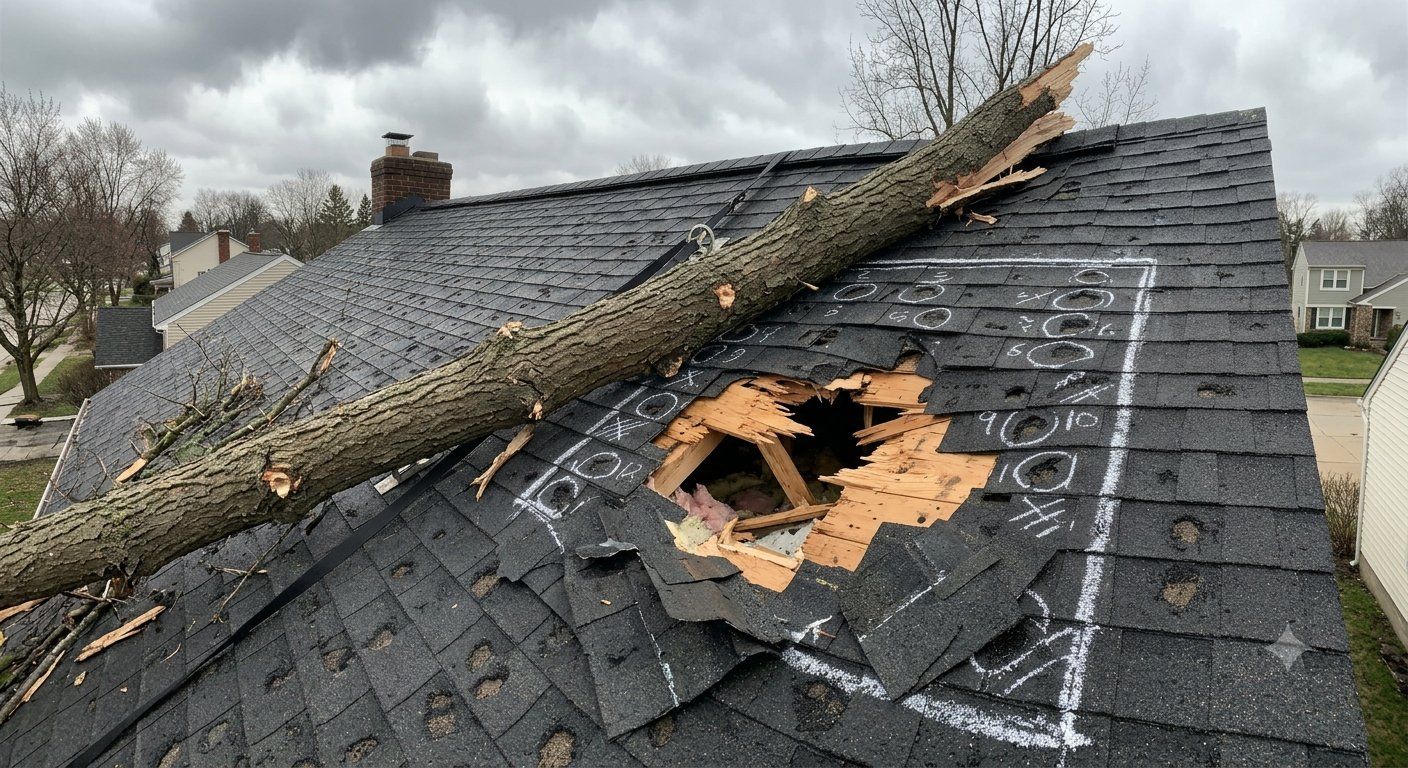
!
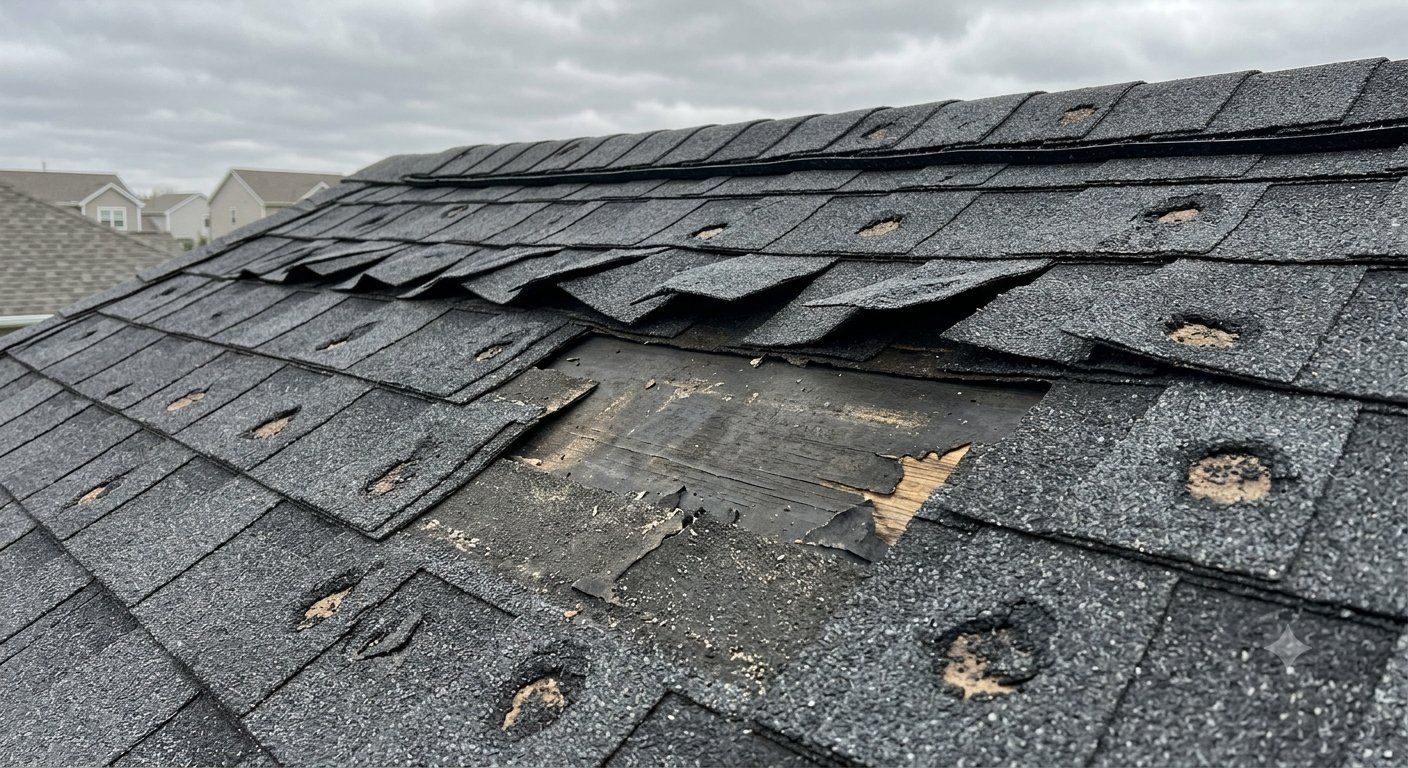 !hail bruising
Nothing goes out until you clear every line it set aside.
It can't invent a line. That's not a promise — it's how it's built.
Other tools start with a blank page and fill it. So sooner or later, they fill in a line you never shot. Mensuria has no blank page. It only writes what your photos back up.
A made-up line isn't a risk we manage. It's a thing the tool cannot do.
How it works, start to finish
Every loss you'd scope in Xactimate
Water. Fire. Wind. Mold. Flood. Inside and out. If you'd scope it, Mensuria drafts it.
What this means for you
Is this you?
- You take the photos, walk the loss, and put your name on the scope
- You're an independent or staff property adjuster
- You want scopes that hold up when they get re-inspected
- You'd rather check a draft than type from a blank page
- You want a tool that will “just do the claim” without you looking
- You're fine padding a scope to pad a payout
- You don't work in Xactimate
Adjusters who use it
My boss stopped sending my scopes back. Every line ties to a photo, so re-inspections are easy now. I close 3 or 4 more claims a week.
Independent adjuster, TX
I used to spend two hours a claim just typing. Now it's twenty minutes of checking. I got my evenings back.
Staff adjuster, FL
What sold me was the part where it won't guess. It marks what it's not sure about and waits. That's how I already work.
Independent adjuster, CO
Do the math.
Take a normal month of claims.
Mensuria drafts each one in minutes. Even if it only halved your typing, that's 20 hours back — every month.
Illustrative example — your real claim volume and time will vary.
“But what about…”
1 claim
Try it on one real claim. Free.
Don't take our word for it. Run one of your own real claims through Mensuria. Free. No card. Then check every single line yourself. If even one line isn't backed by a photo — or set aside for you to look at — then we're not your tool. Simple as that.
One real claim. No card.
Every line backed by a photo. You hold the pen.
You walk the loss. Mensuria writes the first draft. You sign off on every line. Nothing goes out until you clear it. Nothing gets made up. Nothing gets padded. That's a scope you can stand behind.
One real claim. No card.